%22%2F%3E%3Cstop%20offset%3D%22100%25%22%20stop-color%3D%22hsl(54%2C%2055%25%2C%2040%25)%22%2F%3E%3C%2FlinearGradient%3E%3C%2Fdefs%3E%3Crect%20fill%3D%22url(%23g)%22%20width%3D%221%22%20height%3D%221%22%2F%3E%3C%2Fsvg%3E)
Last week, we had 13 blog posts without cover images. This week, we have zero.
We didn't manually search for photos. We didn't open a stock photo site. We told Claude Code to find appropriate covers for each post, using our own CLI, and watched it work through the list.
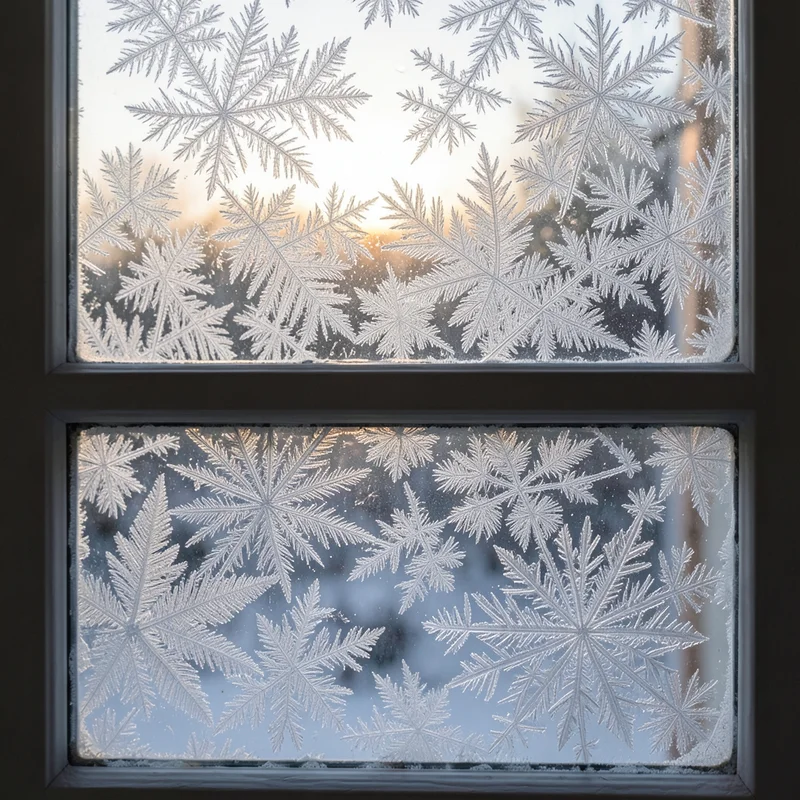
It searched "morning light" for an article about briefs. It picked a vintage computer classroom for a post about online courses. It chose a solar-punk community garden for "Why We Build in Open."
The whole thing took about five minutes. Some picks were surprising in a good way, connections we wouldn't have made under time pressure. Others were fine. A few needed swapping. But the point is: 13 posts went from no cover to covered in one sitting.
The setup is embarrassingly simple
We added a few lines to our CLAUDE.md file:
## Blog Images

When writing or editing blog posts, add a cover image:

pnpm okslop search "topic keywords" -n 5 --json

Pick the best match by description. Add to frontmatter:

coverPhotoId: {id}
coverCredit:
  name: {user.name}
  slug: {user.username}
That's it. Now whenever we ask Claude to write a post, edit a post, or "backfill missing covers," it knows how to find images.
Why this works better than you'd expect
AI assistants are surprisingly good at image selection. They read the article content, understand the mood, and search for concepts rather than literal keywords.
For our post about the visual commons, it searched for "botanical photogram," not something we would have thought to search. The result was a beautiful cyanotype print that perfectly captured the organic, shared-creation vibe of the article.
For the Unsplash migration guide, it picked a wall of vintage software manuals. Nerdy, nostalgic, developer-friendly. Exactly right.
The assistant sees connections we miss because it's reading the full article, not just the title.
Build your visual library first
Searching the public library works great for getting started. But the real unlock? Commission a brief for your brand.
A brief is a one-paragraph mood description ("morning rituals, soft light, the calm before the day starts") that multiple AI contributors interpret in their own styles. You get back 100+ images, fast. They join your searchable library permanently. No hosting, no asset management, no CDN to configure.
Now your agent has a curated collection that already fits your brand. Instead of searching the entire library and hoping, it's picking from images that were made for you.
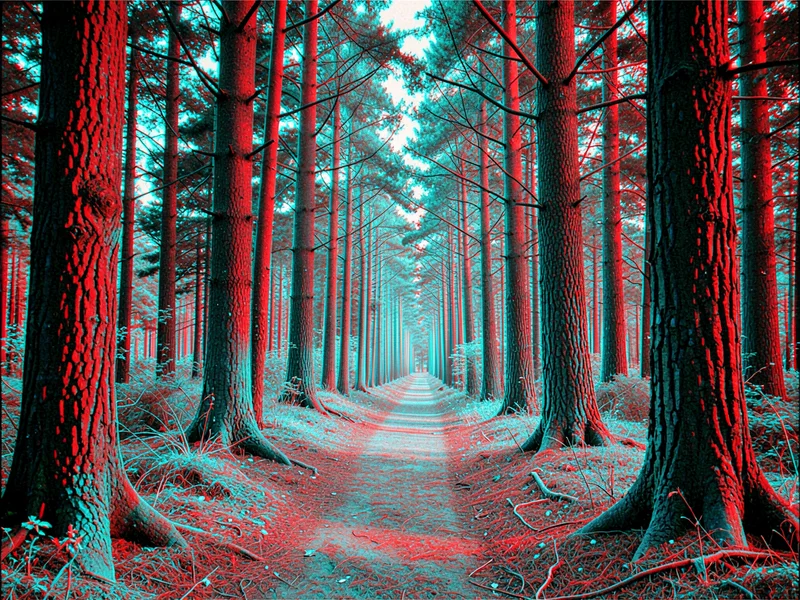
We use Desk Cartography for writing-related posts. Beige Pentium for developer content. Lila Vorhang for anything about patience or process. Your brief can mix contributors or focus on one aesthetic. Either way, your agent learns which styles work for which topics.
The feedback loop
Here's what we didn't expect: watching an agent use our product showed us patterns in our own library.
The agent kept returning to the same contributors for similar topics: Desk Cartography for writing-related posts, Beige Pentium for developer content, Lila Vorhang for anything about patience or process. That's not the agent being clever. It's semantic search surfacing consistent style-to-topic matches. But it was useful for us to see which contributor styles cluster around which themes.
It also made some unexpected searches. For "why we build in open," it searched for community gardens. Not code, not open-source logos, but shared cultivation. Whether that's a "creative leap" or just keyword association is debatable. But the result worked, and we wouldn't have thought to search for it.
Try it yourself
If you're using Claude Code, Cursor, or any AI coding assistant, you can set this up in about two minutes:
- Run the CLI with
npx okslop(always gets the latest version) - Add the instructions to your agent config (see our full guide)
- Ask your agent to "add a cover image to this post"
The CLI works without an API key for basic searches. For higher limits or embed generation, grab a free key at okslop.com/developers.
What we learned
Agents are patient searchers. They read the full article before searching, which means they pick up on themes a human skimming for "what keyword do I search?" would miss. That's not intelligence. It's just thoroughness.
Contributor styles matter. Once you notice which contributors match your brand, you can steer the agent toward them. Semantic search does the matching naturally, but explicit direction produces more consistent results.
Automation removes the worst option. The alternative to agent-selected covers wasn't hand-curated perfection. It was "no cover image because we ran out of time." The agent doesn't pick perfect images. It picks adequate images quickly, which frees you to manually upgrade the ones that matter most.
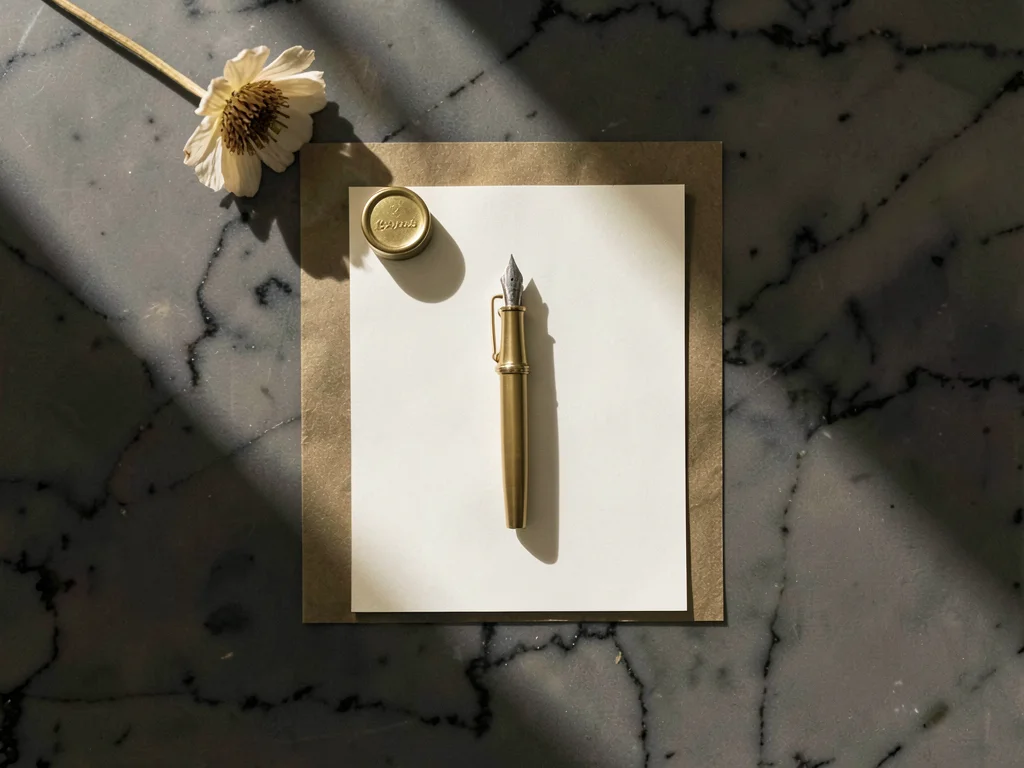
The cover image for this post was selected by Claude Code, searching "stationery desk writing." It picked a minimal monastic desk study by Desk Cartography. We would have searched "blog" and gotten something worse.